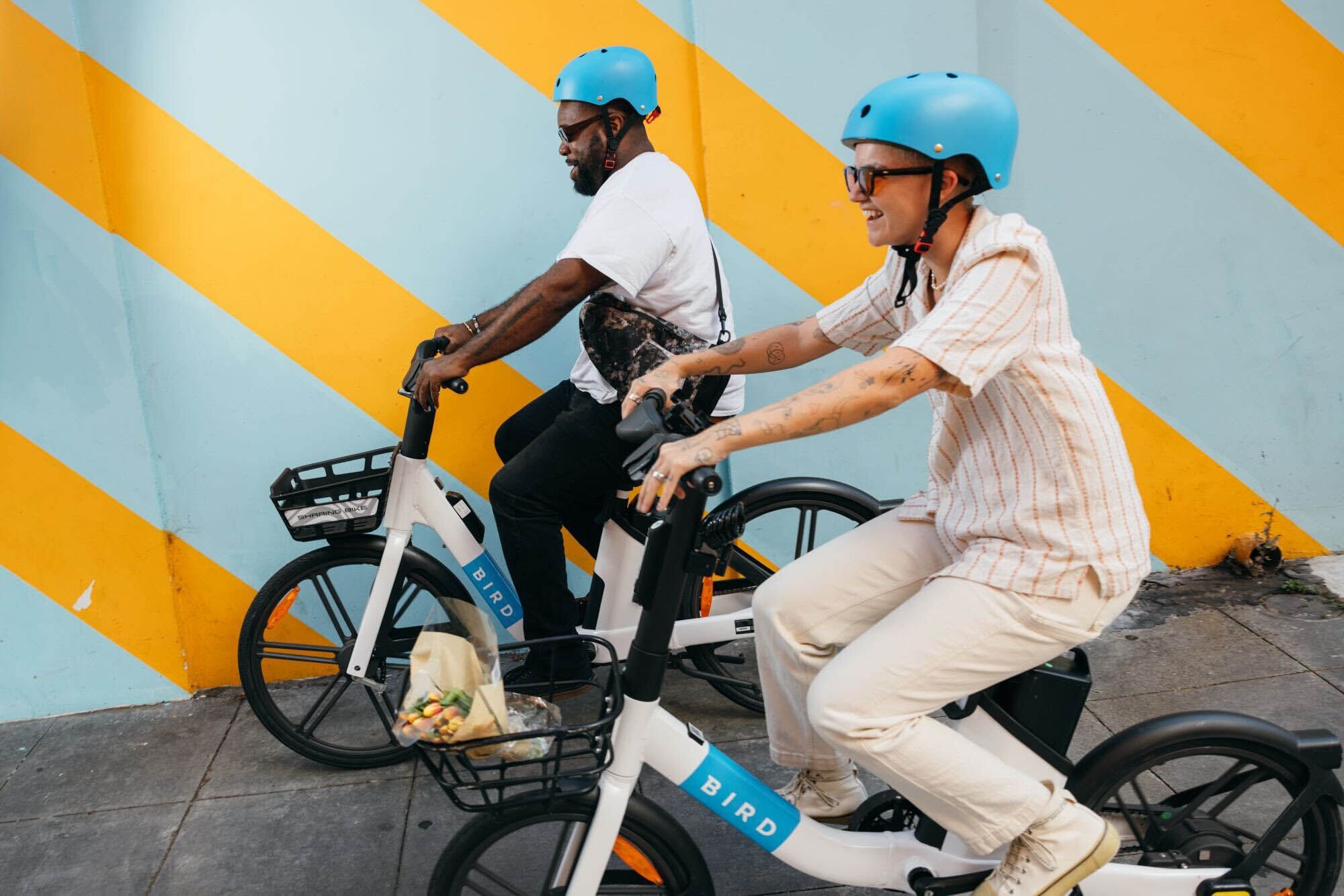
Your first ride, made easy
Getting started with Bird takes less than a minute. Here's how.
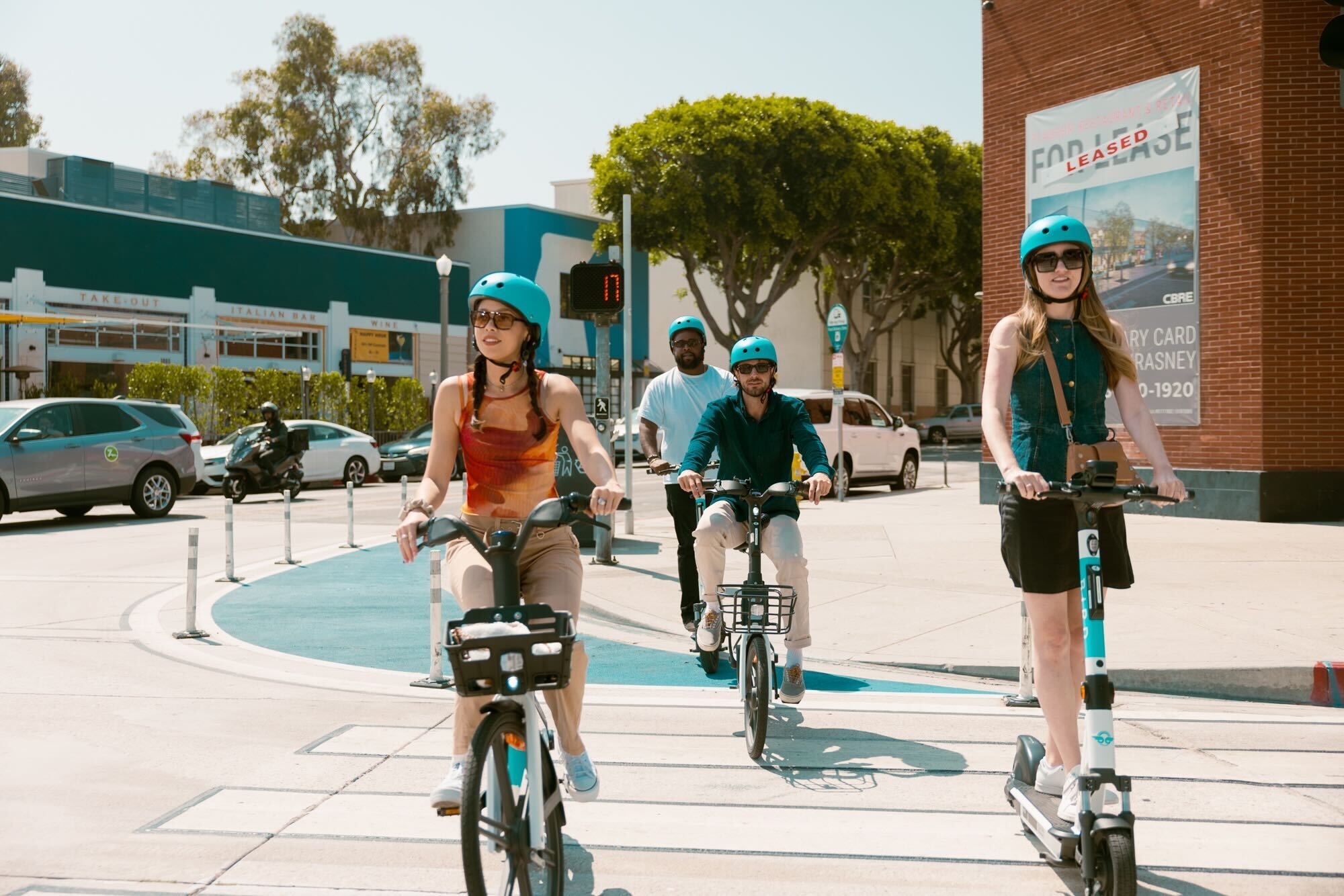
Four simple steps
-
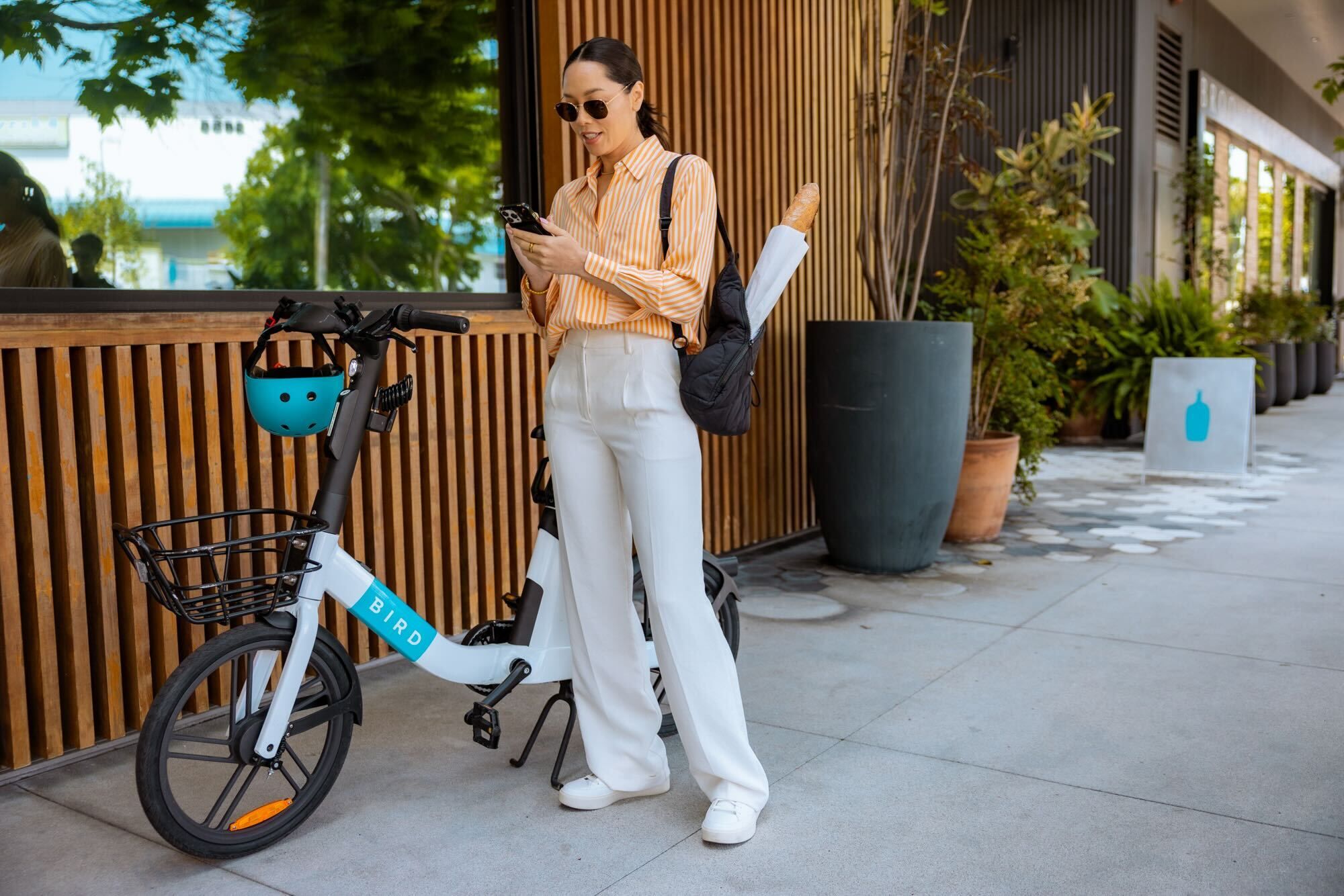
Download the app
Get the Bird app from the App Store or Google Play and create an account in seconds. Depending on your location, you may be asked to quickly verify your ID before your first ride.
-
Find a Bird
Open the map to locate an available scooter or e-bike near you.
-
Scan to unlock
Scan the QR code on the handlebars to start your ride.
-
Ride & park responsibly
Follow local rules, stay in bike lanes where available, and park out of the way when you finish.
Safety check: before you pull away, take a moment to get familiar with your specific vehicle. Brake and acceleration functions can vary slightly depending on the exact model you're riding.
Know your ride
Scooters and e-bikes handle a little differently. Pick yours for tailored tips.
Before you start, take a moment to get familiar with the scooter. Brake placement and throttle feel can vary by model — a quick once-over before you ride goes a long way.
- Starting your ride
- Place your feet on the deck and give yourself a small push to get rolling. Then ease into the throttle on the right handlebar — it's responsive, so take it smooth.
- Steering & speed
- Lean gently into turns. The Bird app shows local speed limits before every ride — stay within them, and match your speed to the conditions around you.
- Stopping
- Use the brakes to slow down gradually. Avoid braking hard or suddenly, especially the front brake — squeeze evenly and give yourself space.
- Where to ride
- Stick to bike lanes where they exist. Do not ride on sidewalks. Obey traffic signals and street signage. One rider per scooter — no passengers.
- Parking
- Find a designated parking zone, kick the stand down, and take the in-app photo to end your ride. Keep sidewalks, ramps, and building entrances fully clear. Blocking access is subject to fees.
- A few rules that matter
- Never ride under the influence of alcohol or drugs. Riding impaired puts you and everyone around you at risk.
E-bikes have pedal assist and/or a throttle depending on the model — take a moment before you ride to understand which you're on and how the assist levels work.
- Starting your ride
- Adjust the seat for your height. Pedal to engage the motor on pedal-assist models, or ease into the throttle if your model has one. The assist can feel stronger than expected at first — start slow and get a feel for it before picking up speed.
- Steering & speed
- E-bikes are heavier than regular bikes, so give yourself a little extra space and time to maneuver. The Bird app shows local speed limits — stay within them, and reduce your speed in crowded areas.
- Stopping
- Use the brakes to slow down — squeeze gradually and give yourself more stopping distance than you would on a regular bike. Avoid hard braking, especially the front brake.
- Where to ride
- Stick to bike lanes where available. Do not ride on sidewalks — e-bikes are subject to local regulations that may differ from regular bikes, and the app will flag any restrictions in your area. One rider per e-bike. Obey all traffic signals.
- Parking
- Use designated parking zones, end your ride through the app with a parking photo, and make sure you're not blocking sidewalks, ramps, or building entrances. Improper parking is subject to fees.
- A few rules that matter
- Never ride under the influence of alcohol or drugs. And before every ride, check that the battery has enough charge to get you where you're going.
Ride safe
Wear a helmet, follow the rules of the road, and check out our full safety guidance.
Rider safety